
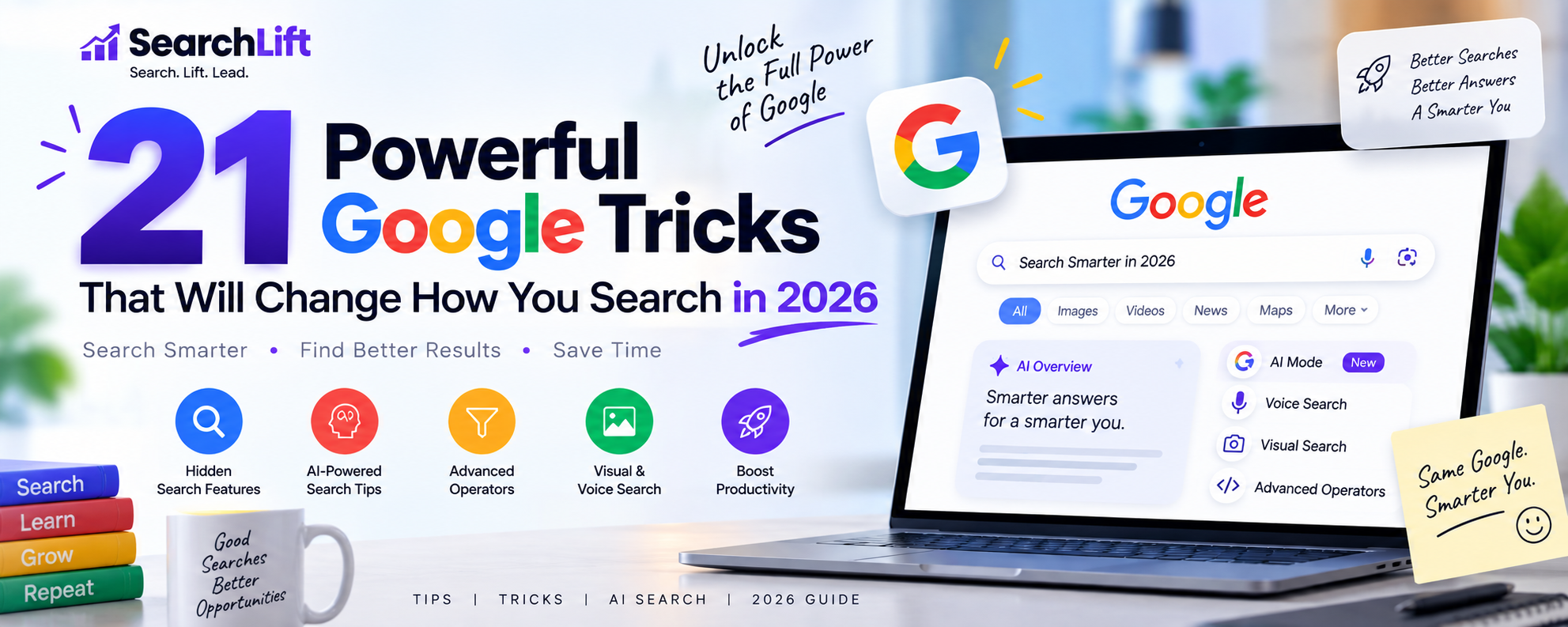
21 Powerful Google Tricks That Will Change How You Search in 2026
Most of us use Google the same way we order food: type something vague, hit enter, scroll aimlessly, and hope for the best.
Yet, behind that plain white search box hides a ridiculously powerful engine that processes over 8.5 billion searches every single day. That’s more searches than there are people on Earth by a factor of a thousand.
Which begs the question: if Google is this powerful, why are we still searching like it’s 2009?
Well, ever thought about Google search tricks? With the right commands, operators, and hidden features, you can slice through clutter and reach exactly what you’re looking for faster before you can think of your next move.
So, let’s turn you into a Google power user.
What Are Google Tricks?
Google tricks are smart ways to refine your searches using:
Hidden Google features most users never discover
Search operators that narrow results with surgical precision
Built-in tools like calculators, converters, and timers
Fun Easter eggs Google engineers sneak into the engine
Together, these hidden Google tricks help you search smarter.
Instead of typing long questions and scrolling endlessly, you can tell Google exactly what you want and what you don’t.
Why You Should Learn Google Search Tricks
You Save Ridiculous Amounts of Time
Studies show that the average person spends 12 minutes per search task. Multiply that by dozens of daily searches, and suddenly your life becomes one long scrolling session. Google tricks slash that time dramatically.
You Find More Accurate Information
You’ll get no blog spam or irrelevant pages. Just precise answers.
You Filter Out Clickbait & Junk
Operators like -, site:, and date filters clean up the mess instantly.
Perfect for Students, SEO Experts & Researchers
Writing assignments? Auditing websites? Doing keyword research? Or just verifying data? Mastering these Google tricks can give you a serious edge.
21 Google Tricks That Will Make You a Smart Searcher
Let’s explore the stuff you came here for.
Use Quotation Marks (“ ”) for Exact Match Searches
If you want Google to show results with an exact phrase, wrap it in quotes.
Without quotes, Google might shuffle the words. With quotes, it hunts for that precise phrase. Perfect for finding song lyrics, quotes, definitions, or plagiarism checks.
Use Hyphen (-) to Exclude Words
Ever searched for something and kept getting irrelevant results? The minus sign fixes that.
Now you’ll get results about the animal and other stuff, not the luxury vehicle.
Use site: to Search Inside One Website
This is gold for research.
You’ll only see Wikipedia results about black holes. Great for searching blogs, news portals, government sites, and academic databases.
Use filetype: to Find PDFs and Documents
Perfect for students, marketers, and researchers.
You’ll instantly find downloadable reports, ebooks, and presentations.
Use * (Wildcard) When You Don’t Know a Word
Forgot part of a phrase or lyric? Let Google fill in the blanks.
Google instantly recognizes the John Lennon quote.
Use OR to Search Multiple Terms
Search for either of two phrases.
This expands your search reach without clutter.
Use intitle: to Find Keywords in Titles
Want to locate pages that focus specifically on a topic? This one’s powerful.
Now you’re finding articles that deliberately optimized for that keyword.
Use inurl: to Find Keywords in URLs
This helps identify category pages, blogs, resources, and niche pages.
Use related: to Find Similar Websites
Great for discovering competitors, alternatives, and industry leaders.
You’ll uncover similar streaming platforms.
Use cache: to See Old Versions of Pages
Sometimes pages disappear. This trick brings them back.
You’ll see Google’s last stored version.
Google as a Calculator
Just type your math problem.
Instant answer, no calculator app needed.
Unit & Currency Converter
From kilometers to miles, rupees to dollars… Google handles it all.
Time Zone & Weather Checker
Examples:
Surprisingly handy when scheduling meetings or travel.
Google Timer & Stopwatch
Perfect for workouts, cooking, and productivity sprints.
Define Words Instantly Using “define:”
You’ll get meanings, pronunciation, synonyms, and examples.
Search Only Government Websites (site:.gov)
Need authentic data, policies, or reports?
This filters only official government sources.
Search Only Educational Websites (site:.edu)
Ideal for academic research.
Filter Results by Date
Click Tools —> Time —> Custom Range to narrow your search.
This is priceless when researching: Recent updates, News verification, Latest statistics.
Use AI Mode for Complex Questions
Google’s AI Mode now summarizes complex topics, compares data, and breaks down concepts. Instead of ten tabs, you get a well-structured response in seconds.
It’s great for: Research, Comparisons, Explanations, Summaries.
Ask Follow-Up Questions in Search
You no longer need to start from scratch.
Search once. Then ask follow-ups directly. Google understands context now, making the experience conversational and fluid.
Plan Trips, Events & Comparisons with AI
From planning vacations to comparing smartphones, Google AI now acts as your personal assistant.
You’ll get itineraries, cost breakdowns, and travel suggestions.
Fun Google Easter Eggs You Should Try
Google engineers clearly have a playful side. Don’t believe me? Try out these Google tricks yourself.
Do a Barrel Roll
Your screen spins. Simple joy.
Askew
Everything tilts slightly, just enough to mess with your sense of balance.
Pac-Man
Boom. Playable arcade nostalgia.
Tic Tac Toe
Instant game. Warning: productivity may drop.
Block Breaker
Classic brick-smashing fun.
To Conclude
Learning Google search tricks feels a bit like discovering keyboard shortcuts after years of clicking menus.
Once you start using them, you can’t stop.
So, no matter if you’re a student, marketer, researcher, freelancer, or just someone who hates wasting time, mastering these tricks boosts productivity, improves accuracy, and makes searching oddly satisfying.
And the best part is every trick here takes less than 10 seconds to learn and saves hours over time. So, try your hand at them. All the best searching.
Frequently Asked Questions About Google Tricks
What are the best Google tricks?
Quotation marks, site search, filetype search, and AI-powered summaries are among the most powerful.
How do I search for an exact phrase?
Wrap the phrase in quotation marks. Example: "content marketing strategy"
How do I filter Google results by date?
Click Tools → Time → Custom range to select a timeframe.
What is the most useful Google search operator?
Site: is widely considered the most versatile for research and SEO.
Are Google search tricks safe?
Yes. These are built-in features officially supported by Google.