

How to Add Me to Search on Google: Step-by-Step People Card Guide
Have you ever searched for someone on Google and found a profile showing their name, profession and other information directly in search results? Google's People Card was designed to give eligible individuals a simple way to create a public professional profile.
For freelancers, consultants, creators, marketers, designers, developers and other professionals, having a clear online identity can make it easier for potential clients, employers and collaborators to understand who you are and what you do.
"Add Me to Search" was associated with Google's People Card experience, which allowed eligible individuals to create a public professional profile in Google Search.
What Does "Add Me to Search" Mean on Google?
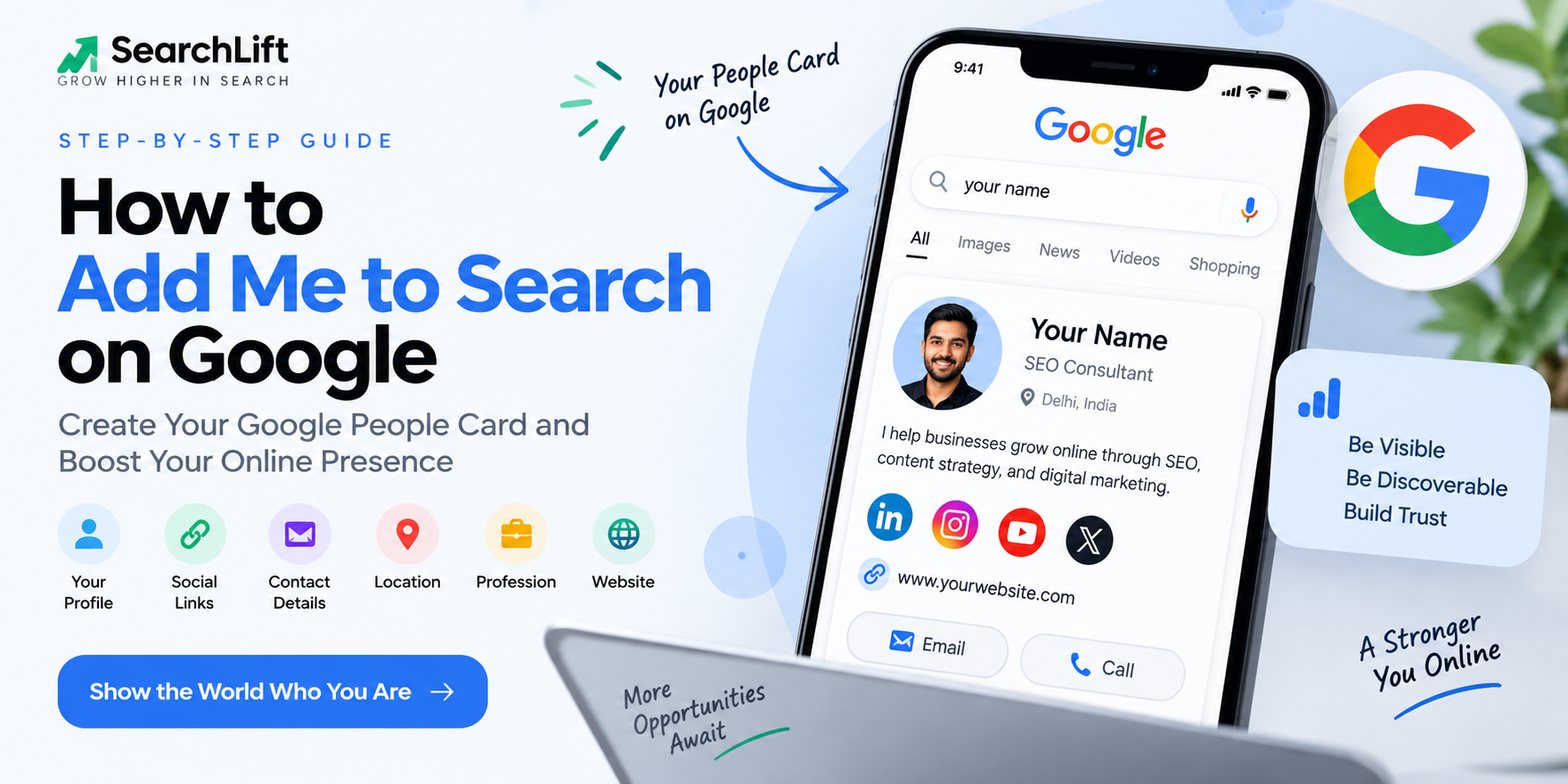
"Add Me to Search" was the commonly used phrase for Google's People Card experience. It allowed eligible individuals to submit professional information that could be displayed when people searched for their name.
A People Card could include information such as:
- Your name
- Your profession or role
- A short biography
- Location
- Contact information
- Social media profiles
- Website or portfolio
- Profile photo
Who Was the People Card Designed For?
The feature was particularly relevant to professionals who wanted to make their identity easier to discover online.
- Freelancers and consultants
- Digital creators
- Bloggers and writers
- Designers and developers
- Marketing professionals
- Students building professional profiles
- Coaches and educators
Why Google Search Visibility Matters for Personal Branding
Make Your Professional Information Easy to Find
When someone searches for your name, consistent information across your website and professional profiles can make it easier for them to understand your background and services.
Create a Consistent Online Identity
Your name, job title, website, social profiles and portfolio should communicate a consistent professional identity.
Help Potential Clients Discover You
Freelancers and consultants can benefit from having a clear online presence that makes their services and professional information easy to discover.
Step-by-Step: How to Add Yourself to Google Search
Search "Add Me to Search"
Open Google on your mobile device and search for "Add me to search".
If the feature is available to your account and region, Google may show an option related to creating a People Card.
Start Creating Your Profile
Follow Google's on-screen instructions to start creating your profile. You may need to sign in to your Google account.
Enter Your Name and Profession
Use your real name and a clear professional description that accurately represents what you do.
- SEO Consultant
- Digital Marketing Specialist
- Content Writer
- Graphic Designer
- Software Developer
- Marketing Strategist
Write a Clear Professional Bio
Your bio should quickly explain your expertise and what you do. Keep it natural and avoid unnecessary keyword repetition.
Add Contact Information
Where supported, you may be able to provide contact information. Only publish information that you are comfortable making public.
Add Your Website and Social Profiles
Connect your professional website and relevant social profiles, such as LinkedIn, Instagram, YouTube or other professional platforms.
Use a Professional Profile Photo
If a photo option is available, choose a clear and professional image that accurately represents you.
- Use a clear image
- Choose good lighting
- Use a simple background
- Keep the image professional
- Avoid misleading or heavily edited images
Review and Submit
Review your information carefully before submitting. If Google provides a review process, your profile may need to meet the applicable requirements before becoming visible.
How to Optimize Your Google Search Profile
Why Your "Add Me to Search" Option May Not Appear
If you cannot find the feature, there can be several possible reasons:
- The feature may not currently be available in your region.
- Your Google account may not be eligible.
- The feature may have changed or been discontinued.
- Your current Google interface may not provide the option.
- Your profile may not meet Google's requirements.
How to Edit or Remove Your People Card
If the People Card feature is available to you, Google may provide options to edit or remove your profile through the Google Search experience.
Search for your profile while signed in to the relevant Google account and follow the options currently provided by Google.
Google People Card vs Knowledge Panel
| Feature | People Card | Knowledge Panel |
|---|---|---|
| Designed For | Individual professionals | People, organizations, brands and entities |
| Creation | User-created where available | Generated by Google's systems |
| Control | Greater control over submitted information | Limited direct control |
| Editing | Depends on feature availability | Eligible entities can suggest edits |
| Purpose | Personal professional visibility | Entity information in search |
Can Businesses Use "Add Me to Search"?
People Cards were designed for individuals rather than business listings. Businesses looking to appear in Google Search and Maps should consider Google Business Profile along with their official website and other online business assets.
Conclusion
Building a strong presence on Google is an important part of modern personal branding. If a Google profile feature is available to you, it can be one component of your broader online presence.
However, your personal brand should not depend on a single Google feature. A professional website, useful content, consistent business information and strong online profiles can create a more complete digital presence.
Want to Improve Your Google Visibility?
SearchLift helps businesses and professionals improve their online visibility through SEO, Local SEO, technical SEO, content strategy and digital marketing.
Talk to SearchLift →Frequently Asked Questions
Is "Add Me to Search" free?
Google's People Card experience was designed as a free feature for eligible users. Availability and functionality can change over time.
How long does it take for a People Card to appear?
There is no guaranteed universal publication time. If a profile requires review, timing can depend on Google's current systems and policies.
Can I create more than one People Card?
People Card functionality and eligibility are controlled by Google. Follow the current instructions shown in your Google account.
Why can't I find the Add Me to Search option?
The feature may not currently be available in your region, account or current Google experience. Google can also change or discontinue features over time.
Can a company create a People Card?
People Cards were intended for individuals. Businesses should consider Google Business Profile and their official website for business visibility.